Ein Upload
Deine Aufnahmen an einem Ort, ohne sie für jeden Kanal erneut hochzuladen.
Einmal hochladen. Mehrere Kanäle erreichen.
Teile deine Aufnahmen mit passenden YouTube-Kanälen. Ein zentraler Upload, automatische Verteilung und ein klarer Überblick über deine Clips.
Schon dabei? Jetzt anmelden
Deine Aufnahmen an einem Ort, ohne sie für jeden Kanal erneut hochzuladen.
Die automatische Verteilung bringt Clips nach festen Regeln zu passenden Empfängern.
Kanäle sehen eine Vorschau und laden ausgewählte Clips einzeln oder als ZIP herunter.
Angebote und Downloads werden protokolliert. So bleibt die Verteilung nachvollziehbar.
Blog
So funktioniert's
Erstelle dein Konto und melde dich im Upload-Bereich an.
Lade deine Aufnahmen hoch und ergänze die Informationen zu deinen Clips.
Geeignete Kanäle erhalten ein Angebot und entscheiden, welche Clips sie herunterladen.
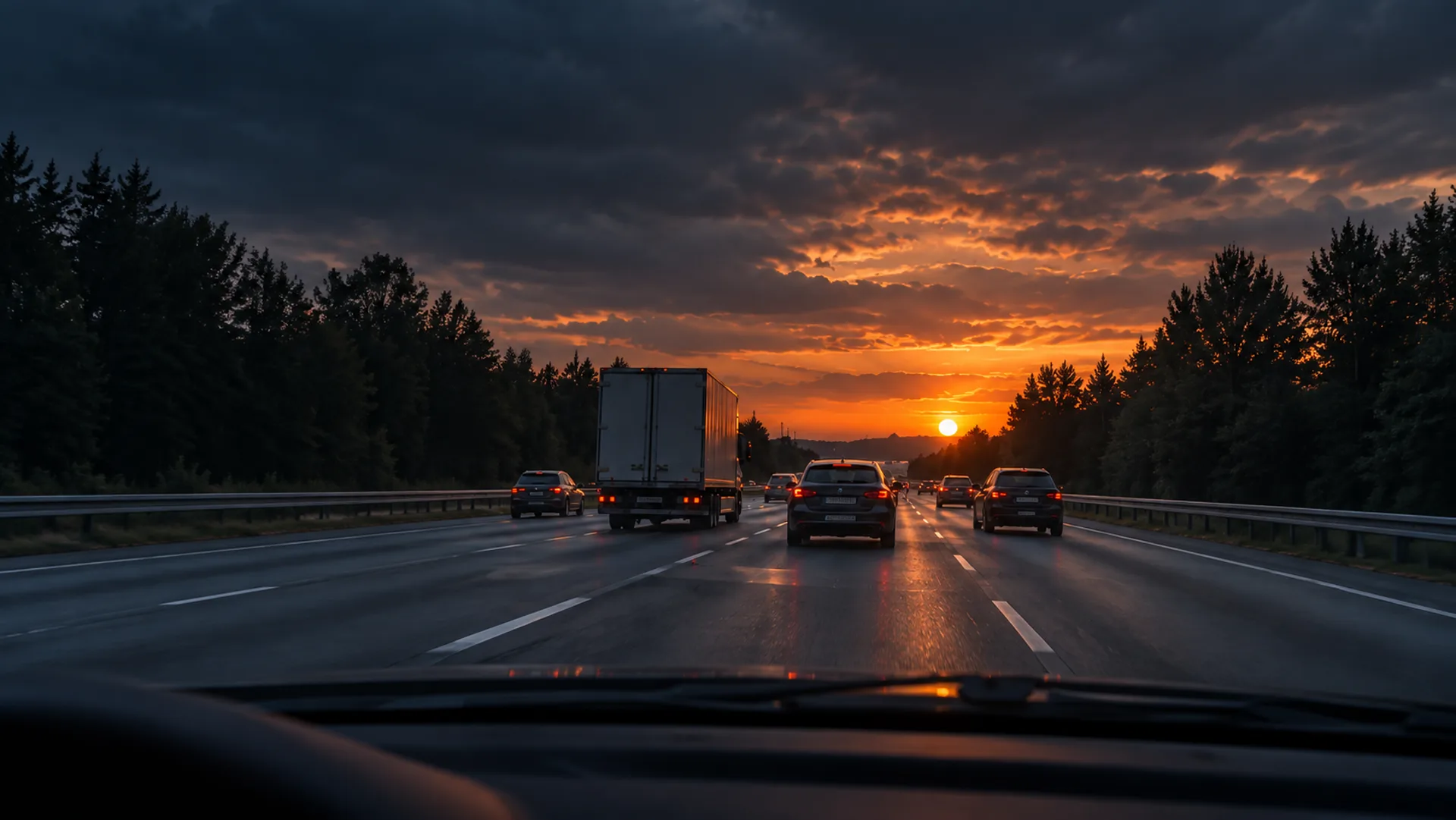
Ein Beispiel: Du hast eine interessante Situation auf der Straße aufgenommen und möchtest sie mit YouTube-Kanälen teilen. So hilft dir DashClip Delivery dabei.
1 / 6
Du bist der Einsender: die Person, von der die Aufnahme stammt. Registriere dich, melde dich an und lade deine Videodatei hoch. Ergänze die Angaben zu deiner Aufnahme. Du musst sie nicht für jeden Kanal erneut hochladen.
2 / 6
Ein Kanal ist hier ein Empfänger, der Videos für seinen YouTube-Kanal auswählt. Du entscheidest selbst, an welche Kanäle du deinen Clip einsenden möchtest. Die Plattform berücksichtigt deine Auswahl bei der automatischen Verteilung nach ihren Verteilungsregeln. Nicht jeder Clip geht sofort an jeden ausgewählten Kanal.
3 / 6
Ein Angebot ist eine Einladung an den Kanal, sich bestimmte Clips anzusehen und herunterzuladen. Es bedeutet noch nicht, dass dein Video veröffentlicht wird. Die Links sind nur für eine begrenzte Zeit gültig.
4 / 6
Der Kanal sieht sich die Vorschauen an und wählt die Aufnahmen aus, die er verwenden möchte. Er kann eine einzelne Datei herunterladen oder mehrere zusammen als ZIP. Eine ZIP-Datei ist ein Paket mit mehreren Dateien.
5 / 6
Wenn ein Kanal einen heruntergeladenen Clip doch nicht benötigt, kann er ihn über die Rückgabe-Funktion wieder freigeben. Danach kann die Plattform ihn erneut verteilen.
6 / 6
Ob und wann dein Clip in einem Video erscheint, entscheidet der Kanal selbst. Ein Upload oder Download garantiert keine Veröffentlichung. Angebote und Downloads werden festgehalten, damit die Verteilung nachvollziehbar bleibt.
Für Einsender
Du betreibst einen Kanal? Registriere dich zuerst ganz normal und beantrage anschließend in deinem Konto, Kanalbetreiber zu werden. Nach der Freigabe erhältst du passende Angebote mit Vorschauen und zeitlich begrenzten Download-Links. Nicht benötigte Clips kannst du zurückgeben.
Ein Angebot ist noch keine Veröffentlichung. Die Auswahl und Veröffentlichung liegen beim jeweiligen Kanal.
Mehr über AngeboteAngebote & Downloads
Prüfe die angebotenen Clips direkt auf der Angebotsseite, bevor du deine Auswahl triffst.
Lade einzelne Clips oder eine Auswahl gesammelt herunter. Beachte die Gültigkeit des Angebots.
Nicht benötigte Inhalte können über die Rückgabe-Funktion wieder für die Verteilung freigegeben werden.
Hilfe
Nein. Ein zentraler Upload genügt. Die Plattform verteilt deine Clips nach ihren Verteilungsregeln an passende Kanäle.
Nein. Kanäle entscheiden selbst, welche angebotenen Clips sie verwenden und veröffentlichen.
Angebote sind zeitlich begrenzt. Nach Ablauf können die Download-Links nicht mehr verwendet werden.
Kanäle können nicht benötigte Clips über die Angebotsseite zurückgeben, damit sie erneut verteilt werden können.
Registriere dich und melde dich anschließend in deinem persönlichen Bereich an. Dort stehen dir die Upload-Funktionen zur Verfügung.
Einmal hochladen und passende Kanäle erreichen.